Create
AvailableTurn an idea into a batch of 1 to 20 on-brand Pin variants.
Your topicEditorial Pin10 variants
Turn the Earth: right for night, left for day.
Describe an idea and get a batch of Pin variants: copy written and checked, a new AI-generated image for each, and your fonts and colors applied. Nothing leaves the workspace until you've reviewed it.
Early access, by invitation. Publishing to Pinterest is in development: it will use the official Pinterest API and send only Pins you've approved.
 Rendered
 Rendered
 Rendered
 Rendered
 Rendered
 Rendered
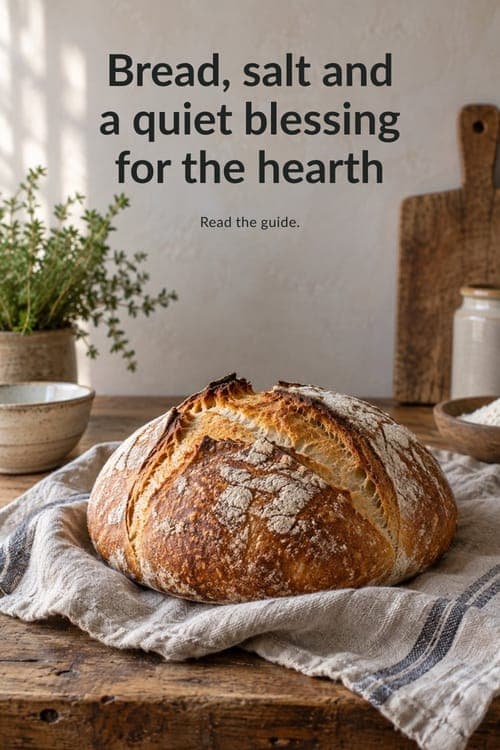
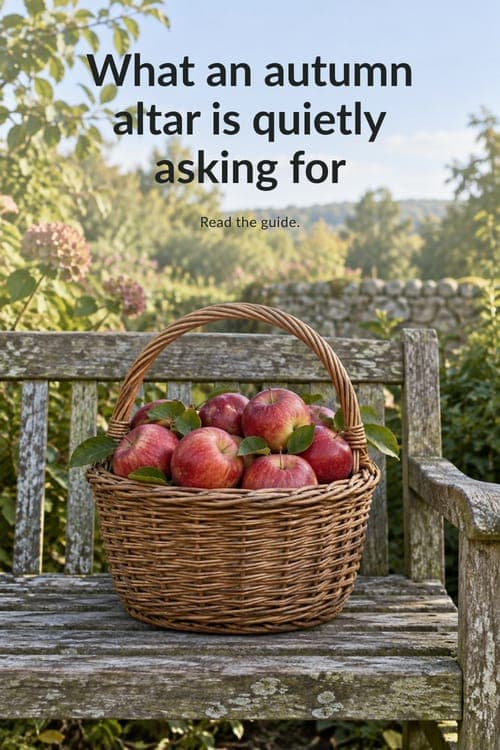
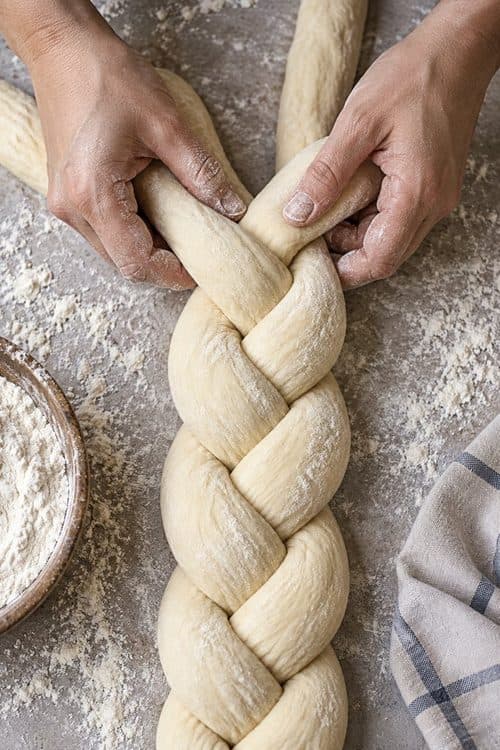
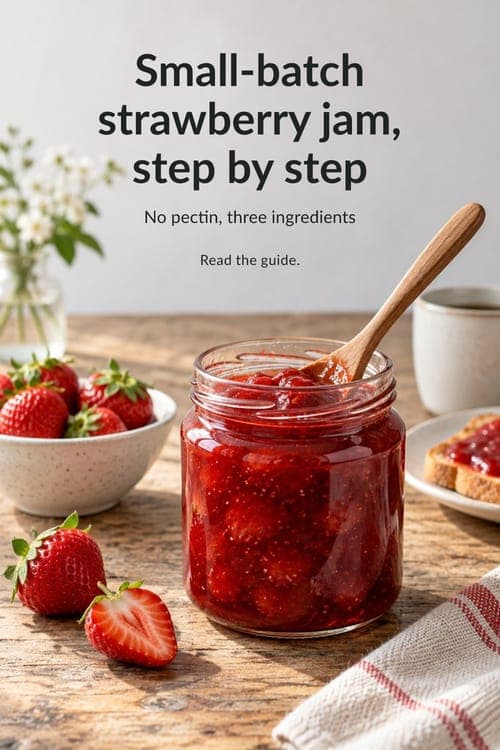
Each Pin starts from a new AI-generated image made for its idea, not a stock photo. Images too similar to a reference are rejected. These samples come straight from the image step, before any text was added.







Review
Copy is drafted, then checked for duplicates and policy before an image is made.
The render, the copy and every check, side by side.
You decide what moves on. Nothing is published automatically.
The workspace is built around the full Pinterest content loop. Today it covers strategy, creation and review; the rest of the loop is on the way and labeled as such.
A workspace holds several brands and their Pinterest accounts, and you choose the account for every batch. Connecting accounts with Pinterest's own sign-in is in development.
Turn an idea into a batch of 1 to 20 on-brand Pin variants.
Start a batch from a topic that's gaining interest.
Content streams that keep a theme going across weeks.
Every generated image, your favorites and your reference images in one library.
See each variant with its status before anything moves on.
Recurring batches on a schedule you set. They create drafts only; nothing is published without your approval.
Saves and clicks for your own Pins, to guide your next plan.
Every model call, check and decision is recorded and traceable.
Pick a preset topic or name your own, choose a Pin style, add reference images and say what you want. One topic per batch keeps results focused.

Concepts pass duplicate and policy checks and a moderation pass before any image is made. Layouts keep text off the subject and never over a detected face. You see every variant and its status.
RenderedRenderedNot selectedFonts, colors and templates come from your brand kit. The renderer places text the same way every time, measures contrast, balances line breaks and keeps a clear hierarchy from headline to call to action. Fine-tune any render in the studio.
Interest in a topic can climb faster than a content calendar moves. The Trends workspace will show topics gaining interest in your accounts and, where API access allows, in Pinterest's trend data, so you can start a batch while the curve is still going up.
Start from a signal, not a blank page.
Every batch stops for your review. Nothing is published automatically.
0 of 3 reviewed · nothing is published automatically
Daily and monthly AI budgets per workspace, checked before work starts, with platform-wide limits and an off switch for paid AI calls.
20% of today's budget
Each workspace's prompts, images and results stay its own. Several accounts and brands per workspace, chosen explicitly.
Every model call is recorded with its model, prompt version, cost and outcome.
Text never covers a detected face; layouts avoid the subject and meet contrast minimums.
Placed at the top
Reference images are guidance; outputs too close to a reference are rejected.
Similarity to the reference, limit 85%
Not yet. Today it creates, renders and lets you review content. Publishing is in development: it will use the official Pinterest API, post only to boards you choose, and only Pins you approved.
No. Topics are open: pick a preset or name your own. The product works for any niche, with each workspace's accounts, boards and rules kept separate.
Yes, if you hold the rights and they show no people. They guide the look of new images; the images the product makes are always original.
Yes. A workspace can hold several brands and Pinterest accounts, and you choose the account for every batch. Connecting accounts through Pinterest's sign-in is in development.
Once account connection ships, only what you authorize through Pinterest's own sign-in: your profile, your boards and the analytics of your Pins. It is used to publish Pins you approved and to show their results, and it is never used to train AI models. You can disconnect at any time. See Privacy.
No. dasdisdos is an independent product that works with Pinterest through its public API. It is not affiliated with or endorsed by Pinterest.
Each batch shows its worst-case cost first and is refused if it does not fit your remaining daily or monthly budget. Paid AI calls can be switched off at any time.